Easy planning for busy brains
Ordr is the ADHD-friendly AI task manager that turns your brain dump into a clear, doable plan — so you always know your next move.
Winner awards



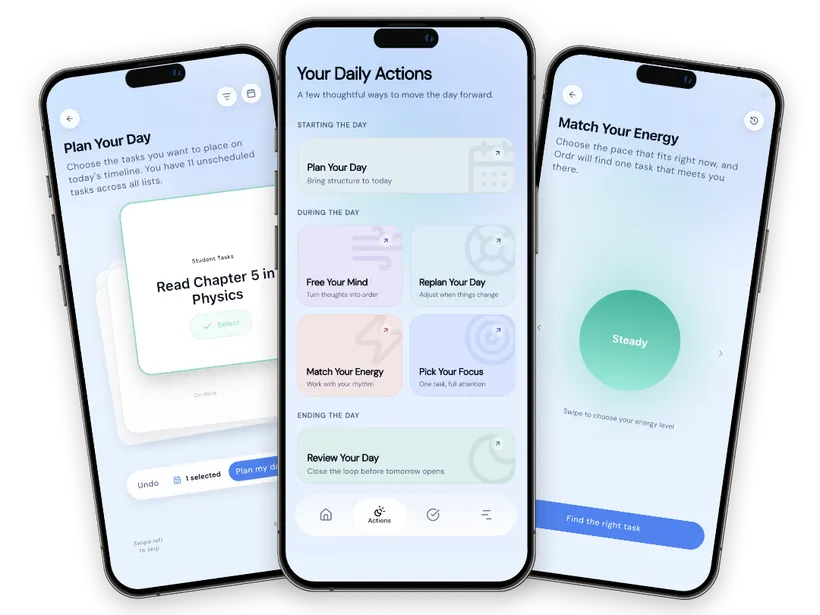
How Ordr works
From mental chaos to a clear plan
Capturing thoughts is easy. Structuring them is the part that drains you. Ordr does the structuring for you.
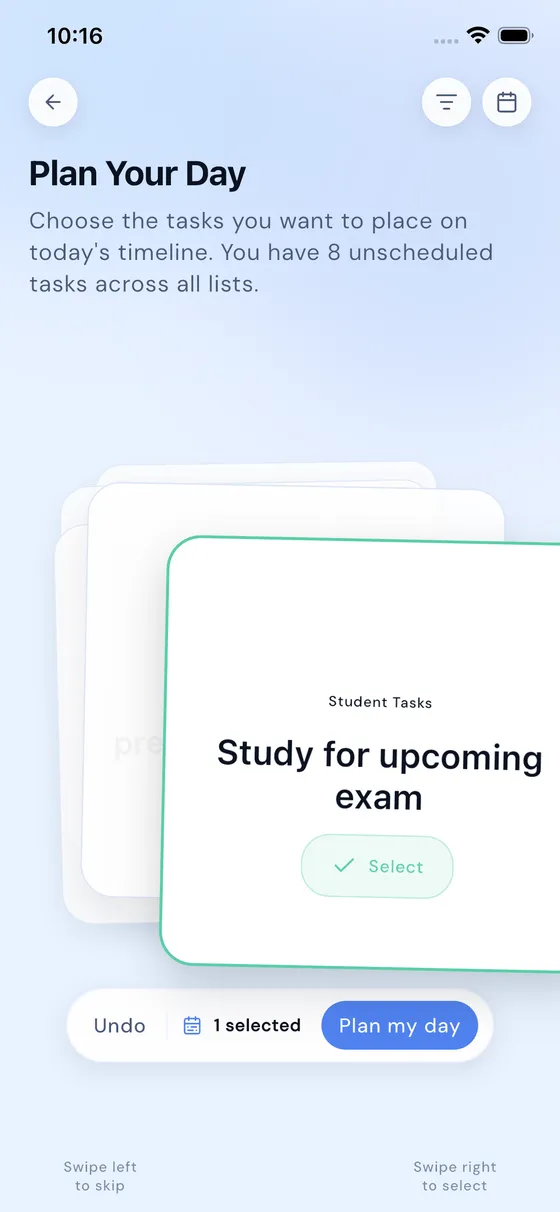
Plan Your Day
Bring structure to today
Start the morning with a plan instead of a pile. Ordr takes your tasks and schedule and shapes them into a day you can actually follow.
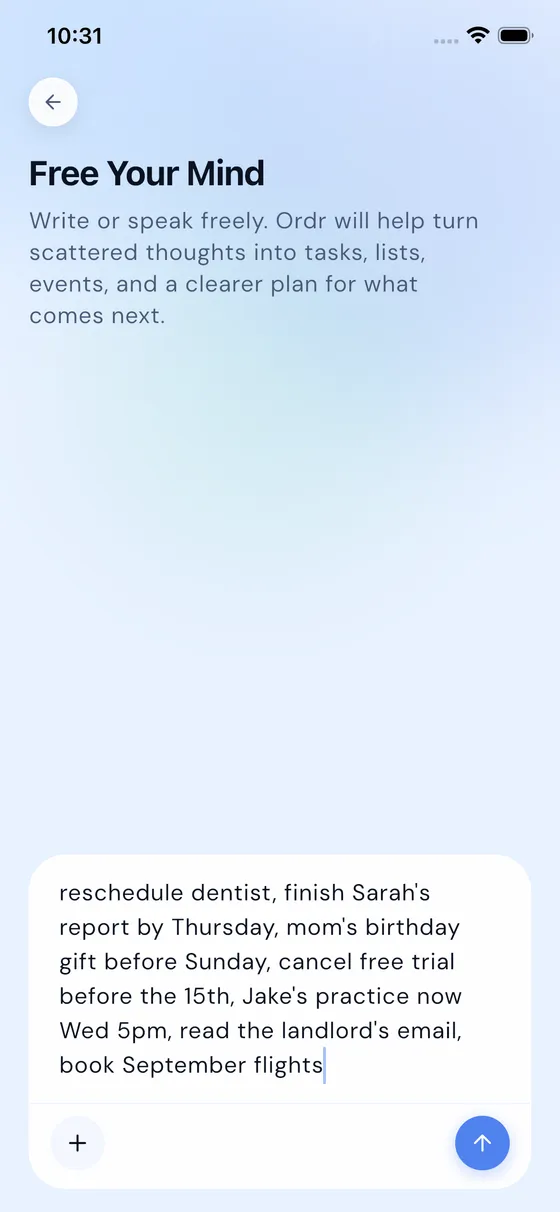
Free Your Mind
Turn thoughts into order
Dump everything on your mind — typed or spoken. The AI sorts it into tasks and events for you, so nothing keeps circling in your head.
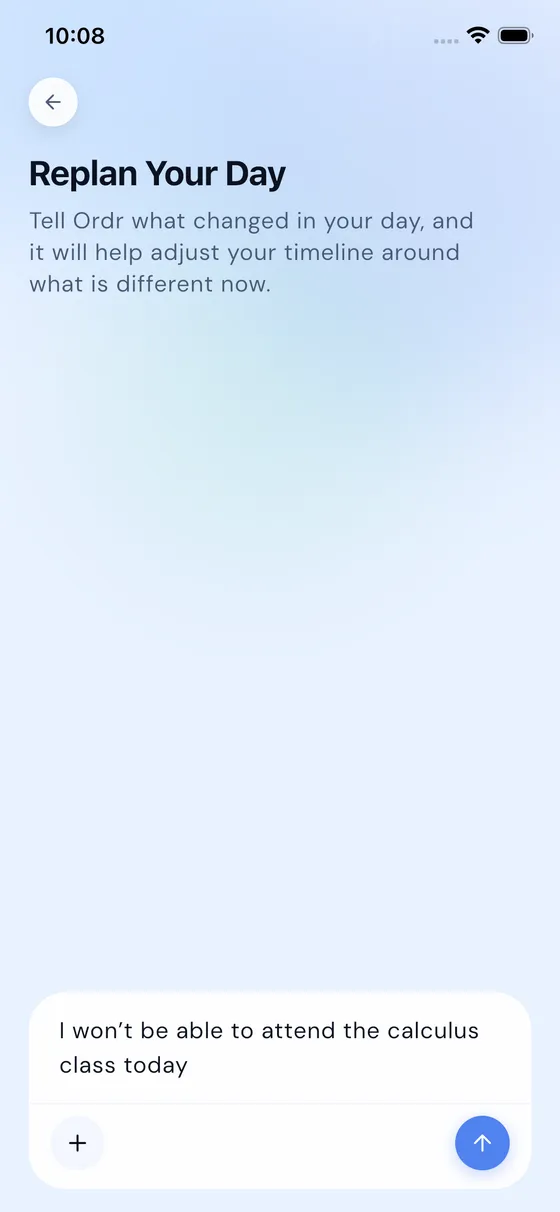
Replan Your Day
Adjust when things change
Meetings run over, energy dips, life happens. Replan reshuffles what’s left of your day instead of making you rebuild it from scratch.
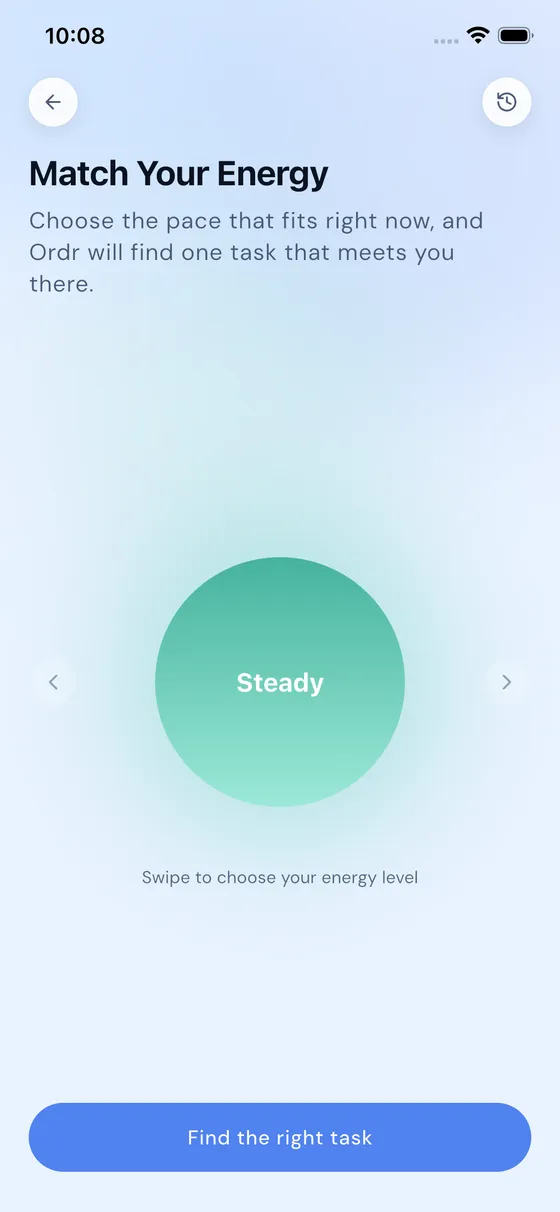
Match Your Energy
Work with your rhythm
Tell Ordr how you’re feeling and get tasks that fit — deep work when you’re sharp, light wins when you’re running low.
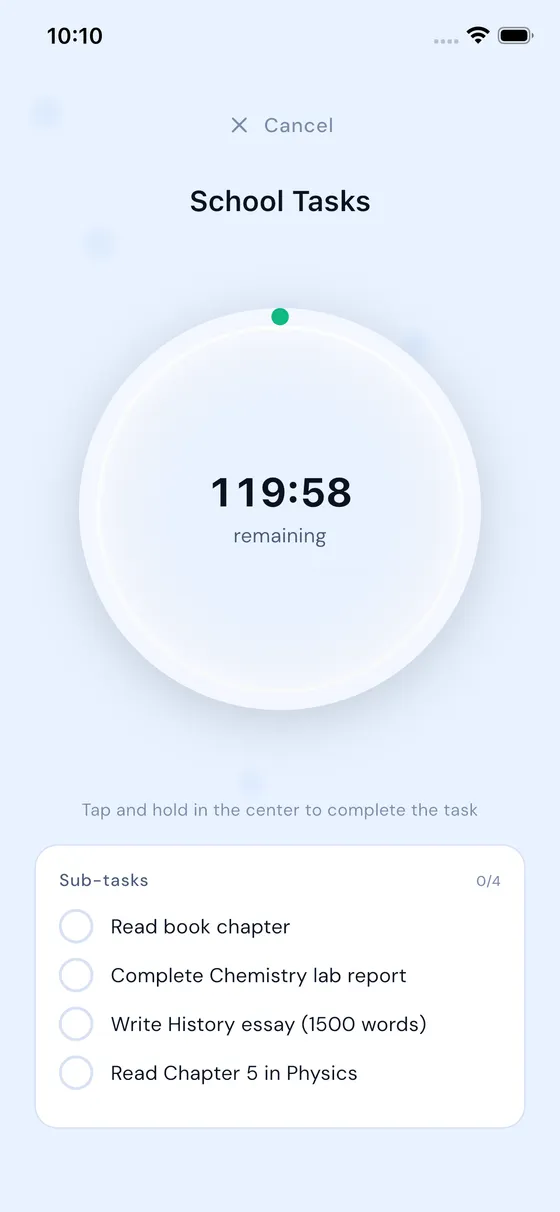
Pick Your Focus
One task, full attention
When everything feels equally urgent, Ordr helps you commit to a single task and see it through, distraction-free.
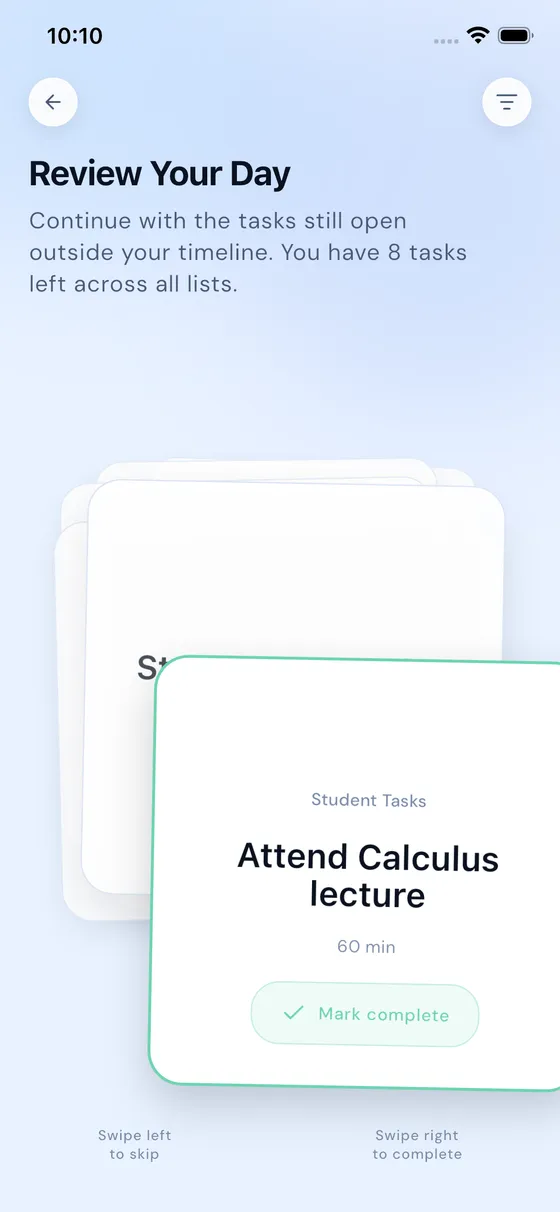
Review Your Day
Close the loop before tomorrow opens
End the day by clearing what’s done and rolling forward what’s not. Tomorrow starts clear instead of cluttered.
What people say
Built for brains with too many tabs open
“Ordr is the first planner that doesn’t make me feel like I’m managing another system. I dump what’s in my head, review the plan, and finally know what to do next.”
App Store review
“The energy matching feature changed how I work. Instead of forcing deep work when I’m drained, Ordr helps me find something useful I can actually finish.”
Play Store review
“I used to lose so much time deciding where to start. Ordr turns the mess into a clear day plan, and the focus timer helps me stay with one task instead of bouncing around.”
App Store review
Why switch
Same brain. New day.
You dump it messy. Ordr hands it back as a plan.
What you dump
What you get
Today
- Finish report for Sarah 9:00
- Call bank about double charge 11:30
- Order mom’s birthday gift 13:00
- Reschedule dentist 15:30
- Groceries: coffee, dish soap 18:00
Reminder set · Cancel trial before the 15th
Your data
Your thoughts stay yours
A brain dump is personal. We treat it that way.
Never sold
We don’t sell your personal data and we don’t use it for targeted advertising.
Privacy policyNo location tracking
Ordr doesn’t collect your location — precise or coarse. Your whereabouts are not our business.
What we collectAI is optional
Every AI feature is opt-in, and you can switch them all off anytime in app settings.
How AI is usedDelete in-app
Remove your account and all your data right from the app — no email chains, no dark patterns.
How deletion worksWhen you use AI features, the content you submit is processed by a third-party AI provider — spelled out, along with everything else, in the privacy policy.
Pricing
Start free, upgrade when it clicks
Free
$0
The full planning experience, with 15 AI actions included to try.
- Tasks, timeline, and daily dashboard
- 15 AI actions to try Free Your Mind
- iPhone + Android
Pro
$44.99
/year3-day free trial · save 25%
or $4.99/month
Unlimited AI, for brains that never stop.
- Unlimited AI actions
- Unlimited brain dumps with Free Your Mind
- Guided next actions, every day
- Everything in Free
Prices in USD. Billed through the App Store or Google Play; regional pricing may vary.
FAQ
Questions, answered
Is Ordr a good task manager for ADHD?
Ordr is designed around the friction points busy and ADHD-leaning brains report most: decision fatigue, task paralysis, and the overhead of maintaining a "system". You brain-dump, the AI structures, and Ordr suggests the next move — so starting takes less willpower. Ordr is a planning tool, not a medical treatment.
How does the AI brain dump work?
Open Free Your Mind and dump whatever is in your head — type it, speak it, or paste it. Ordr’s AI decides what’s a task, what’s an event, and what order makes sense, then shows you the result to review and confirm. You never have to structure things at the moment you’re most overloaded.
How is Ordr different from a normal to-do list app?
Most to-do apps make you do the organizing: projects, tags, priorities, due dates. Ordr flips that — the AI does the structuring, and the app tells you a sensible next move instead of showing you a wall of tasks.
What does Ordr cost?
Ordr is free to download with 15 AI actions included. Ordr Pro unlocks unlimited AI for $4.99/month or $44.99/year, with a 3-day free trial on the yearly plan.
Which platforms is Ordr available on?
Ordr is available for iPhone on the App Store and for Android on Google Play.
Can I delete my data?
Yes. You can delete your account and all associated data directly from the app, or follow the steps on our account deletion page.

Give your brain some room
Dump the chaos. Get a plan. Know your next move.